
Dashboard
Your home screen for upcoming and recent messages.
After you sign in, the Dashboard is home. It gives you a quick look at what’s coming up and what you sent recently.
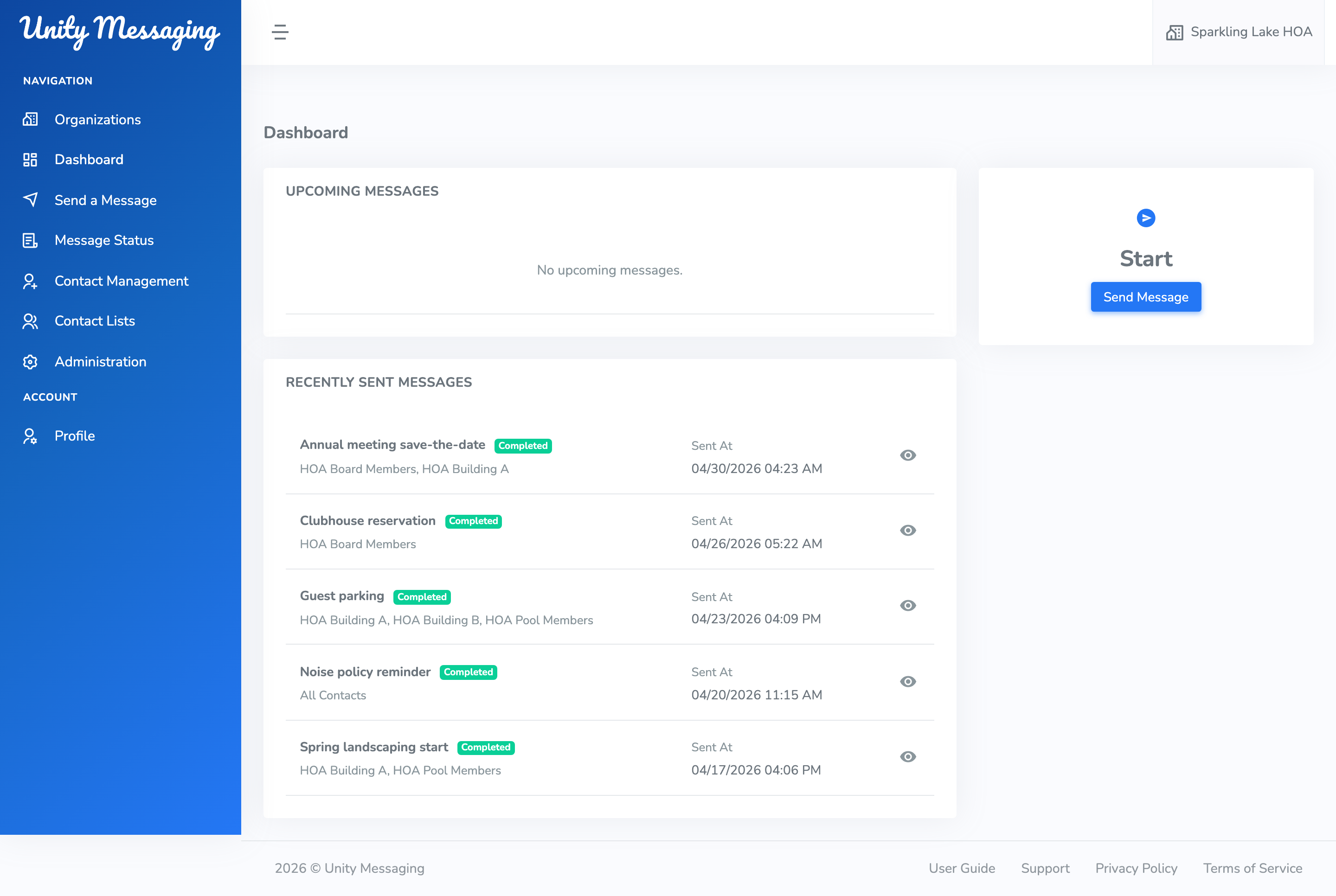
Upcoming Messages
Scheduled messages that haven’t gone out yet show up here. They’ll be Pending or In Progress. Click the eye icon if you want to read the details.
Recently Sent Messages
This is a short list of messages that are sending or already finished. They’ll be In Progress or Completed. Recipients might say All Contacts, the names of your lists, or Selected Contacts.
Starting a new message
When you’re ready to reach people, click Send Message. That opens Send A Message.
If sending is turned off for your organization, that button stays grayed out. An Administrator can sort out billing in Administration. You might also see Payment overdue. at the top of the Dashboard.