
Signing In
Sign in with your email and password, or with Google.
When you’re ready to use Unity Messaging, go to Sign In on unity-messaging.com.
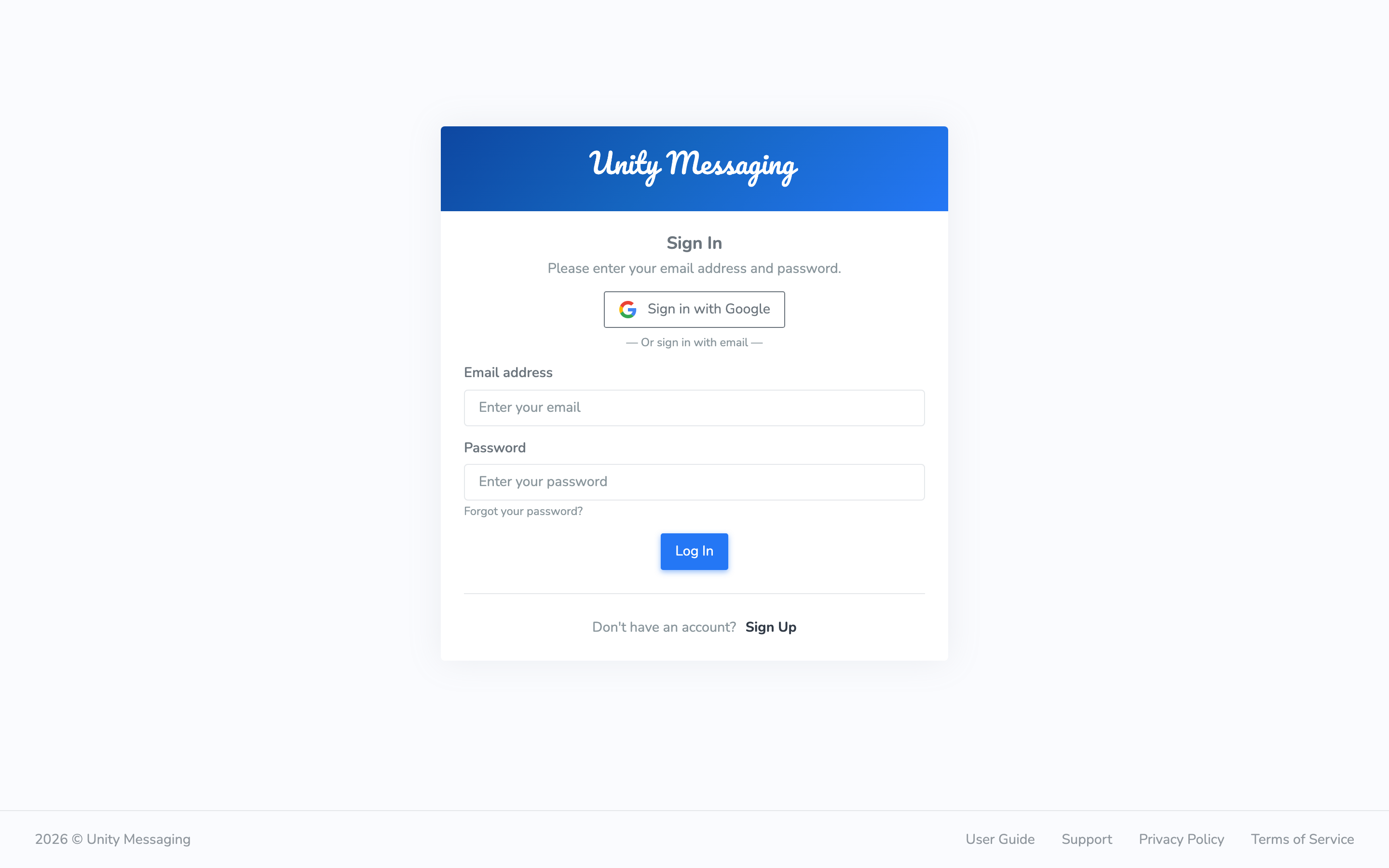
Type your Email address and Password, then click Log In. If you created the account with Google, click Sign in with Google instead.
If you can’t sign in
- If you signed up with email and password, confirm your email first.
- Forgot the password? Click Forgot your password?
- Google-only accounts don’t have a Unity Messaging password. Use Sign in with Google.
- Too many failed tries can lock the account for 15 minutes. Wait, then try again.