
Profile
Your name, time zone, default organization, and password.
Your Profile is about you, not the organization. Open it from Account in the left menu, or click My Profile at the top.
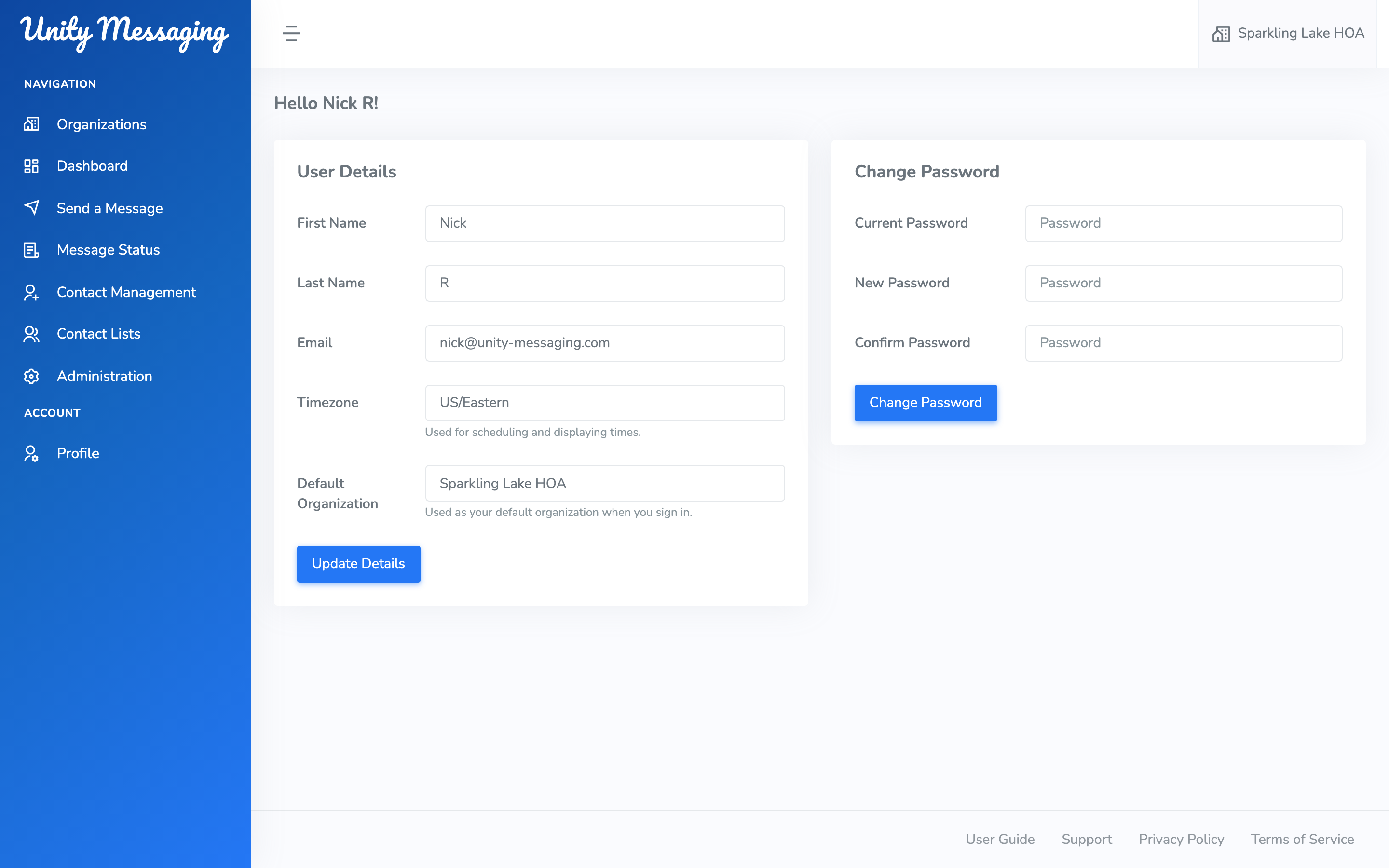
Updating your details
You can change First Name, Last Name, Email, and Timezone. If you’d rather not pick a zone, use Use browser default. If you belong to more than one organization, you can also pick a Default Organization for the next time you sign in.
Click Update Details when you’re finished.
Scheduled messages and times in the app follow this time zone.
Changing your password
If you sign in with a password, open Change Password, enter your Current Password, then a New Password and Confirm Password. Click Change Password.
If you only use Google, you won’t see that section. Keep signing in with Google.