
Signing Up
Create a free Unity Messaging account with email or Google.
If you don’t have an account yet, start at Sign Up on unity-messaging.com. It’s free to begin, and you don’t need a credit card.
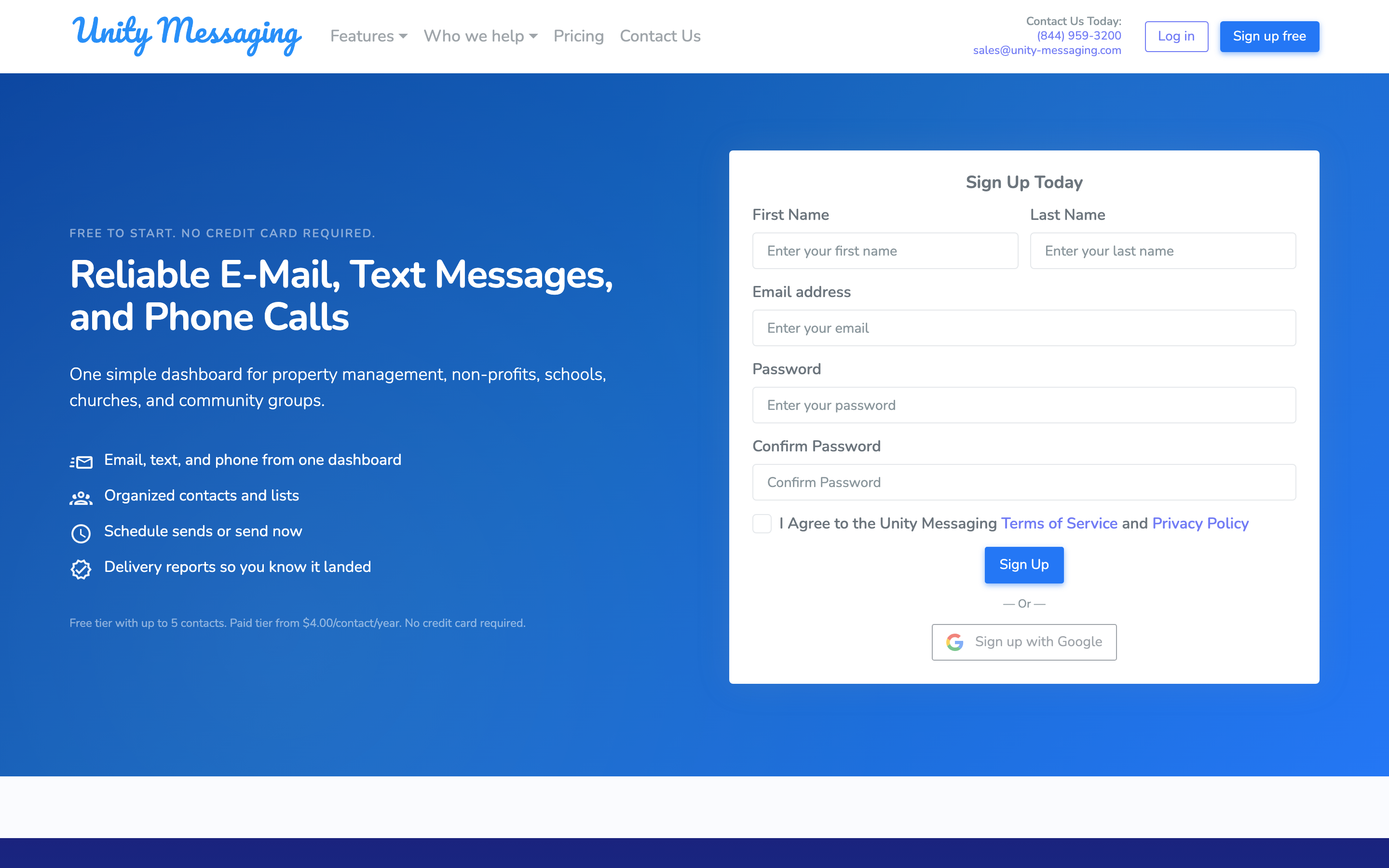
Fill in First Name, Last Name, Email address, Password, and Confirm Password. Check the box that you agree to the Terms of Service and Privacy Policy, then click Sign Up.
Prefer Google? After you agree to the Terms, click Sign up with Google instead.
Choosing a password
Pick something you’ll remember that still meets these rules:
- At least 8 characters
- One uppercase letter (A–Z)
- One lowercase letter (a–z)
- One number (0–9)
- One special character
After Signing Up
We’ll ask you to check your email and confirm your address before you Sign In. If you used Sign up with Google, you can skip that step and keep going.