
Organizations
Move between organizations if you belong to more than one.
You might belong to more than one organization—for example, a church and a school. You can only work in one at a time, but switching is quick.
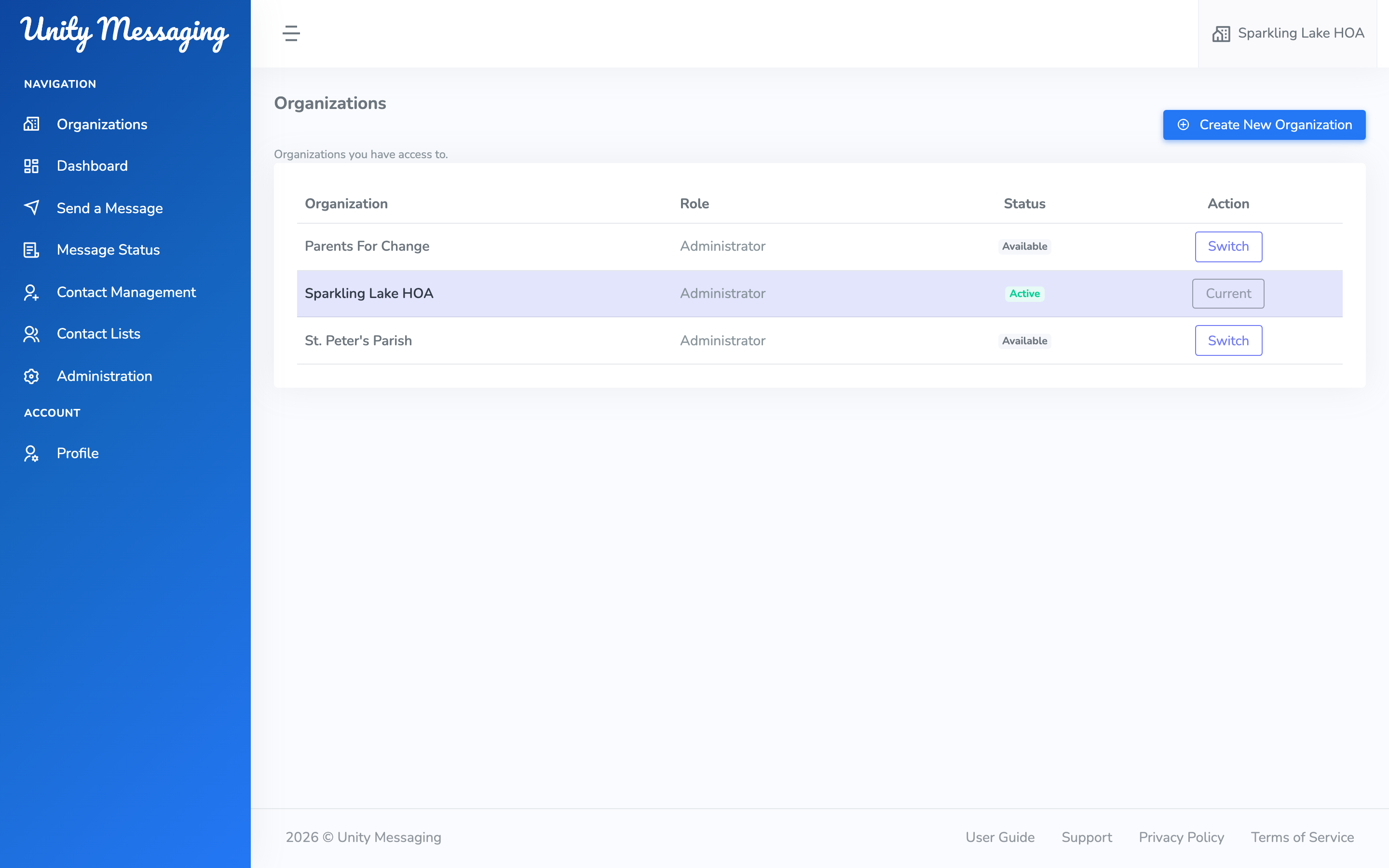
Click the organization name at the top of the screen. Under Switch organization, pick the one you want.
If you belong to more than two, the left menu also has Organizations. That page lists each organization, your Role (Administrator or Messenger), and which one is Current. Click Switch to move, or Create New Organization to start a new one.