
Send A Message
Write one message and send it by email, text, phone, or all three.
When you have something to tell your contacts, open Send A Message in the left menu.
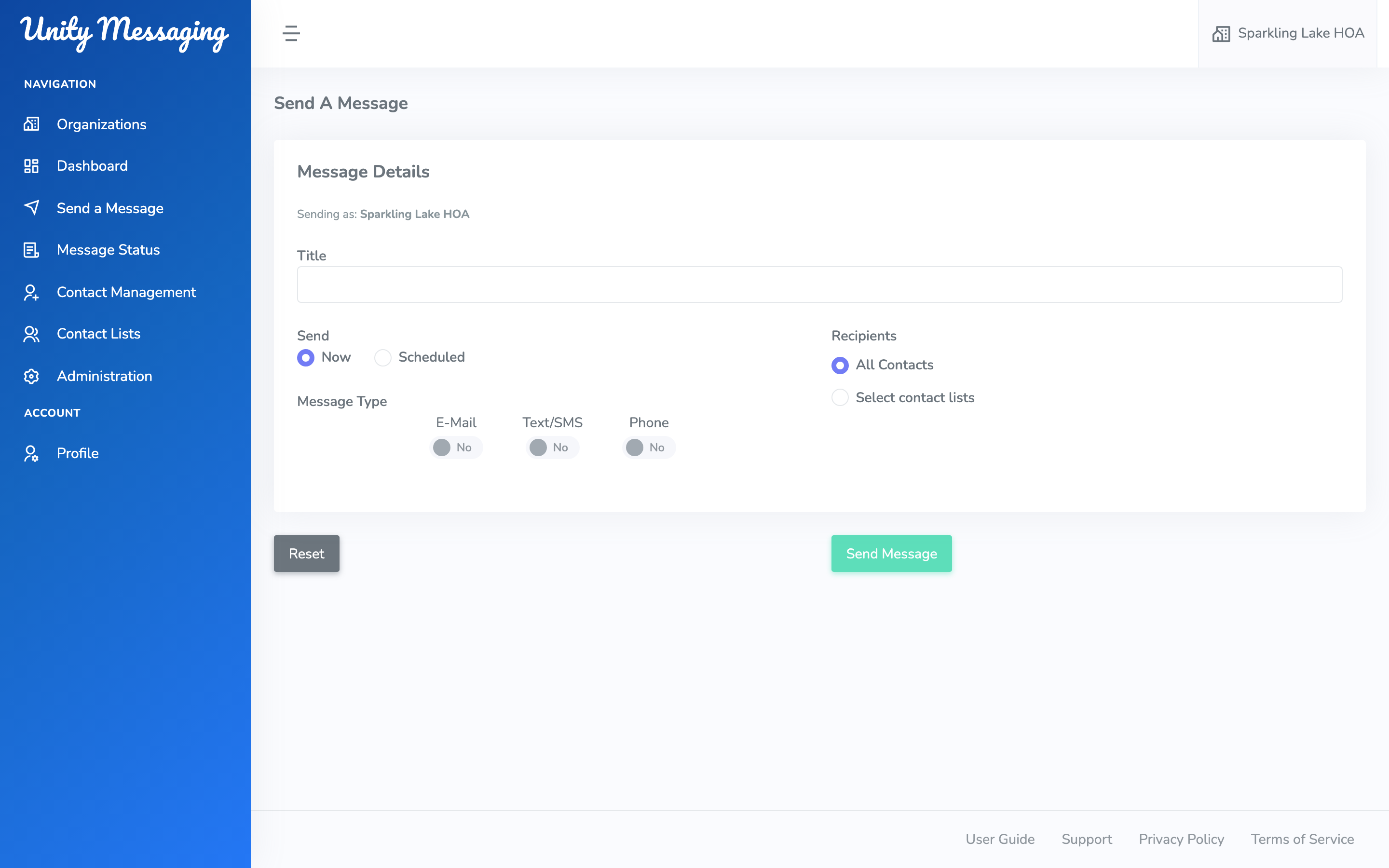
Check Sending as so you’re in the right organization. Give the message a Title (at least 5 characters). That’s just for your team—it isn’t the email subject.
Pick Now or Scheduled, then turn on E-Mail, Text/SMS, Phone, or more than one. Choose All Contacts or Select contact lists, fill in the details for each type you turned on, and click Send Message.
You’ll get a confirmation that it’s on its way. Open Message Status if you want to follow it.
Need to start over? Click Reset.